Browser extension for Chrome, Firefox and Edge
Download Pinterest Boards in One Click.




Browser extension for Chrome, Firefox and Edge
Download Pinterest Boards in One Click.
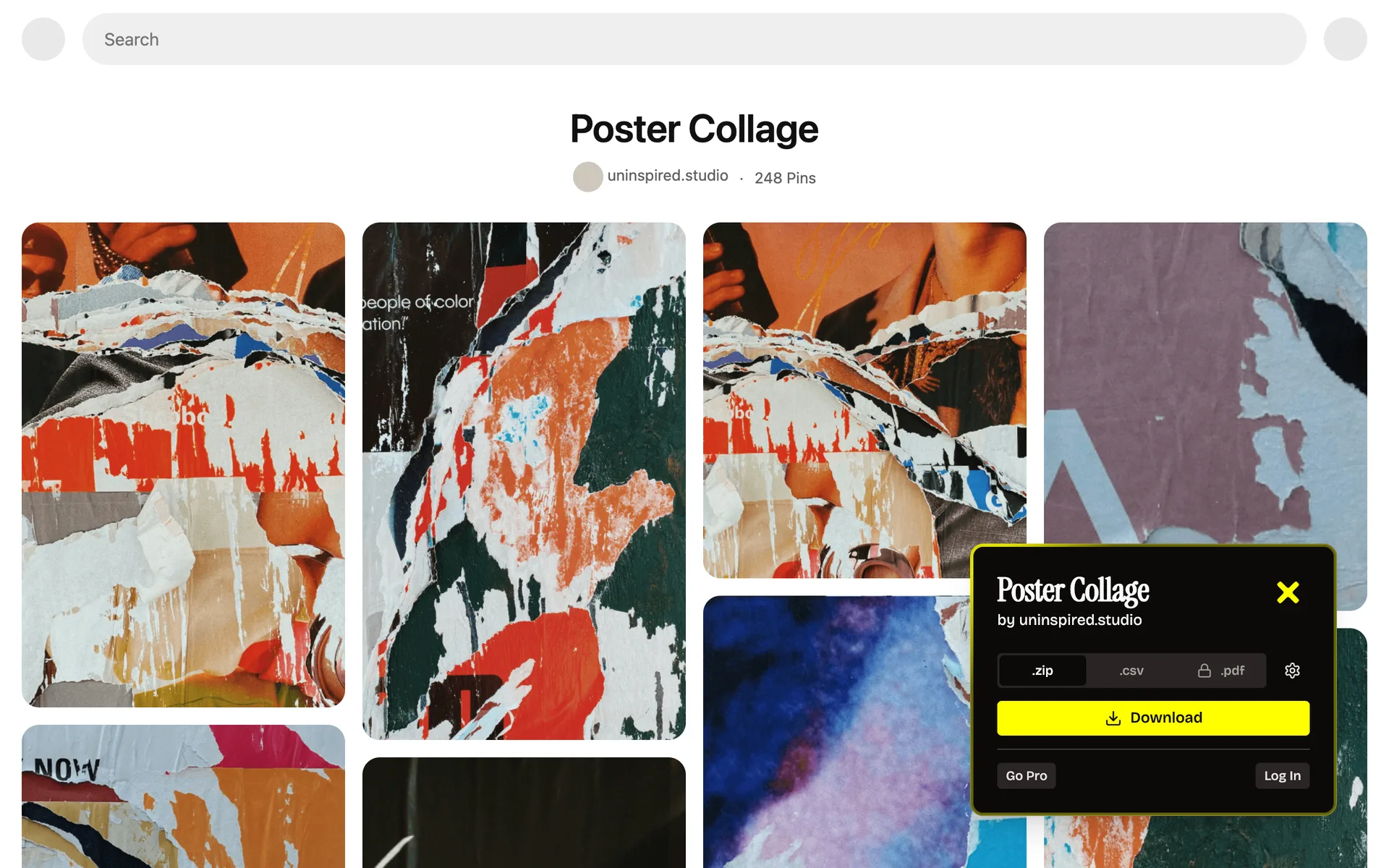
- 1. Open any board
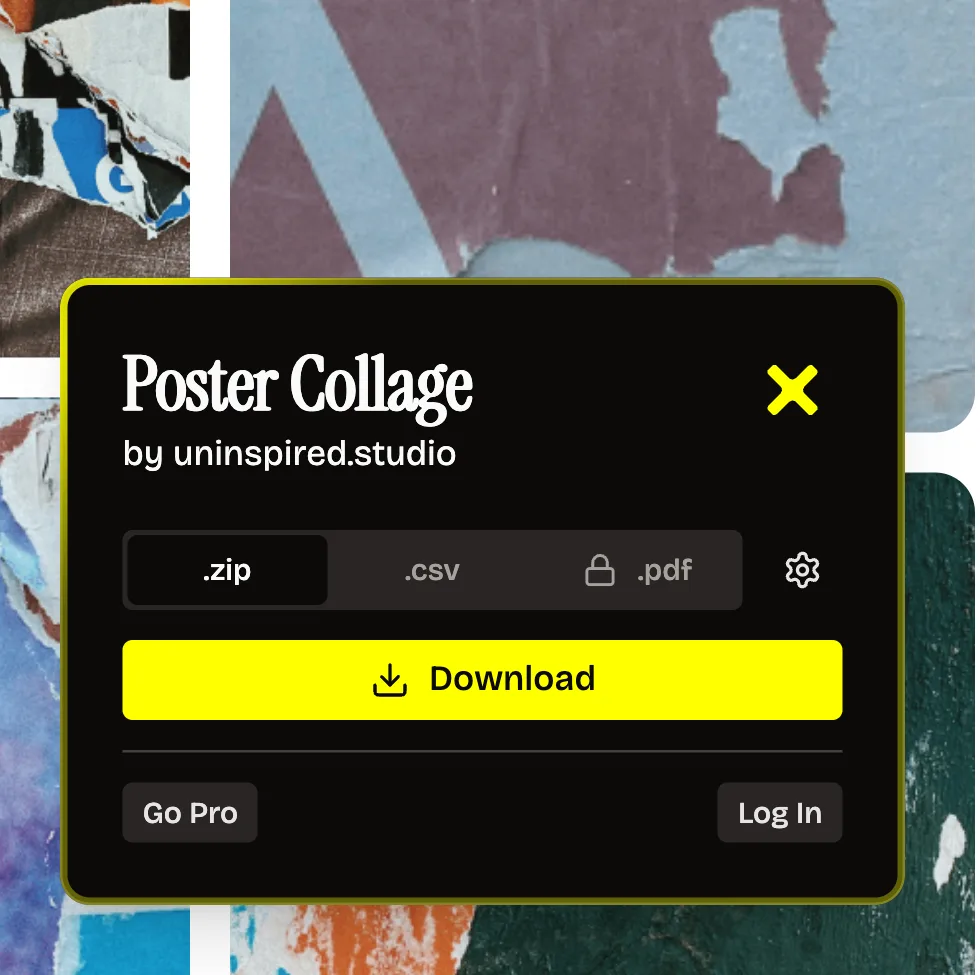
- 2. Download the ZIP
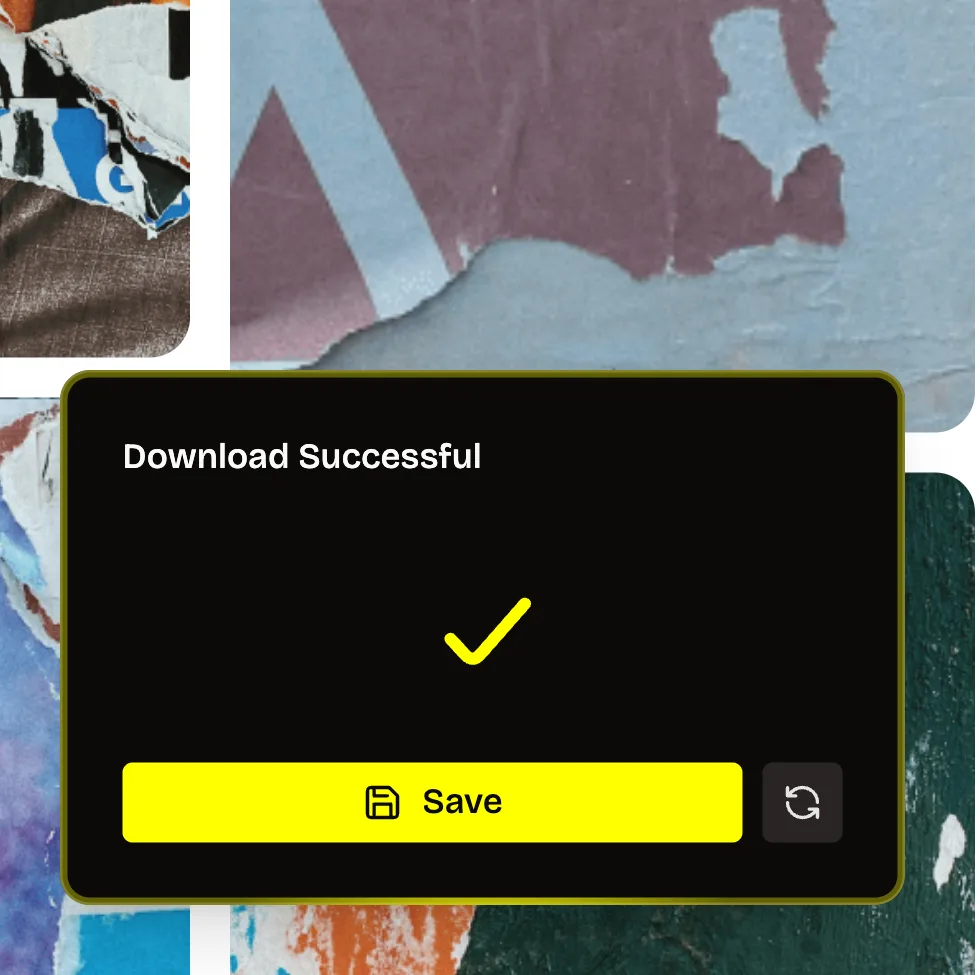
Features
Download entire Pinterest boards in one click
Unpinned is a browser extension that lets you download entire Pinterest boards in a single click. No more right-clicking and saving images one by one.






Bulk Download in One Click
Download entire Pinterest boards with a single click. Unpinned automatically handles pagination, skips duplicates, and organizes your downloads into neat folders. No more tedious right-click-save nonsense.Highest Quality Possible
Every image is downloaded at the highest resolution available on Pinterest. No compression, no quality loss. Get the original files as they were uploaded by the creator.Pricing
Start free, upgrade if needed.
Free and Pro plans. High-quality one click downloads either way, every single time.
The only difference? Pin download count.

FreeDownload 50 pins a day.
Get Started FreePro
Unlimited downloads.7€ Monthly or 50€ Yearly
price may vary by country
price may vary by country
What designers say about Unpinned
Designers and studios who collect references on Pinterest, in their own words.
“This is literally incredible. Whole Pinterest boards, one click.”
 Kota@kota.does.things
“One-click board downloads sounded small. It isn't.”
 Ohasten@ohasten
“I build a moodboard for every client. Now the whole board lands in one folder before my coffee's done.”
 Blanca@notblankdesigns
“Brand research used to mean saving pins one by one. Now I grab the board and get straight to strategy.”
 Chavi@brandsbychavi
How to
How to download a Pinterest board
Stop saving pins one by one. Just sign up, install it for your browser, pick a plan, and start downloading. Easy to use Pinterest downloader.
1. Create an accountClick the 'Get Unpinned' button to get started.
Don't worry, it's really easy!
2. Install for your browserWe'll guide you, works with Chrome, Firefox and Edge.
3. Start for freeFree tier included. Upgrade if you need more.
4. Start downloadingDownload Pinterest boards in one click.
Get Unpinned +From board to ZIP in three clicks
Open a board, let Unpinned collect every pin, then save one ZIP with your sections as folders.
Open a board, click Download
Open any Pinterest board you can see and click the Unpinned icon. Pick .zip for the files or .csv for a list of the pins; Pro adds a printable .pdf.Save the ZIP
When it says Download Successful, click Save. You get one ZIP named after the board, with sections as folders. The free plan covers 50 pins a day.FAQ
Pinterest downloader FAQ
Is it free to use?
Yes. The free plan lets you download 50 pins a day. Pro is $10 monthly or $60 yearly in the US, and 7€ monthly or 50€ yearly elsewhere, for unlimited downloads.
Can I download an entire Pinterest board?
Yes. Install Unpinned, open a board, click Unpinned in the bottom-right corner of the page, and download the board as a ZIP.
Does it work with private boards?
Yes, if you are logged into Pinterest and already have access to that board.
What browsers are supported?
Chrome, Firefox, and Microsoft Edge.
Is Unpinned safe to use?
Yes. Unpinned is verified on the Chrome Web Store, stores only your email for a login link, only reaches Pinterest and Unpinned's own servers, and explains each browser permission it asks for on the security page.
How do I download a video pin?
Unpinned downloads Pinterest videos and images from boards. To download a video pin, add it to a board first, then download that board. Direct single-video download is on the way.
Can I download Pinterest boards with 100,000 pins?
Yes. We optimized the download engine until boards with up to 100,000 pins come down, split into several ZIP files when they are that big. The free plan is still capped at 50 pins a day; Pro has no daily cap.
How do I unsubscribe?
Cancel any time in the Paddle Customer Portal: click Manage subscription in the extension (or log in at uninspired.app/auth) and choose Cancel subscription, or use the Manage subscription link in your Paddle receipt email. Older subscriptions billed by Stripe are listed on the same page under Legacy Subscriptions, with their own Manage Subscription link.
Is Unpinned affiliated with Pinterest?
No. Unpinned is an independent browser extension built by Uninspired Studio. It is not affiliated with, endorsed by, or connected to Pinterest.