New Year vision board ideas for 2027, plus a NYE moodboard
New Year vision board ideas for 2027: six themes, four NYE moodboard palettes with hex codes, and how to build the board from Pinterest with Unpinned.
Moodboards · Workflow
Quick answer: a New Year vision board is a set of images of what you want the next year to look like: the trip, the routine, the room, the work. It takes three steps. Collect pins on Pinterest, curate them into one board or section per goal, then export the board with Unpinned to print it, use it as a wallpaper or arrange it in Figma or Canva. Below are four NYE moodboard directions, six themes for a 2027 vision board, and the build.
A NYE moodboard: four directions

Photo: Billy Huynh on Unsplash
New Year's Eve is a smaller job than a whole year. One night, one palette. Pick a direction, save a section of pins for it, and the table, the outfit and the invitation follow. The palettes are ours, a starting point to copy.
| Direction | Palette | Collect |
|---|---|---|
| Champagne and gold glam | #F7E7CE champagne, #C9A227 gold, #FFFDF7 ivory, #1C1C1C black |
Coupe glasses, gold confetti, candlelit tables, sequins, balloon garlands |
| Disco and silver | #C0C0C0 silver, #E5E4E2 platinum, #3D5AFE electric blue, #14142B midnight |
Mirror balls, tinsel curtains, glitter make-up, coloured dance floor lights |
| Minimal black and white | #000000 black, #FFFFFF white, #D9D9D9 light grey, #8A8A8A grey |
White flowers, black candles, monochrome place cards, a big clock face |
| Cozy night in | #6F4E37 cocoa, #C8553D ember, #EADBC8 oat, #2E3A2F pine |
Blankets, board games, fondue, film nights, candles, matching pyjamas |
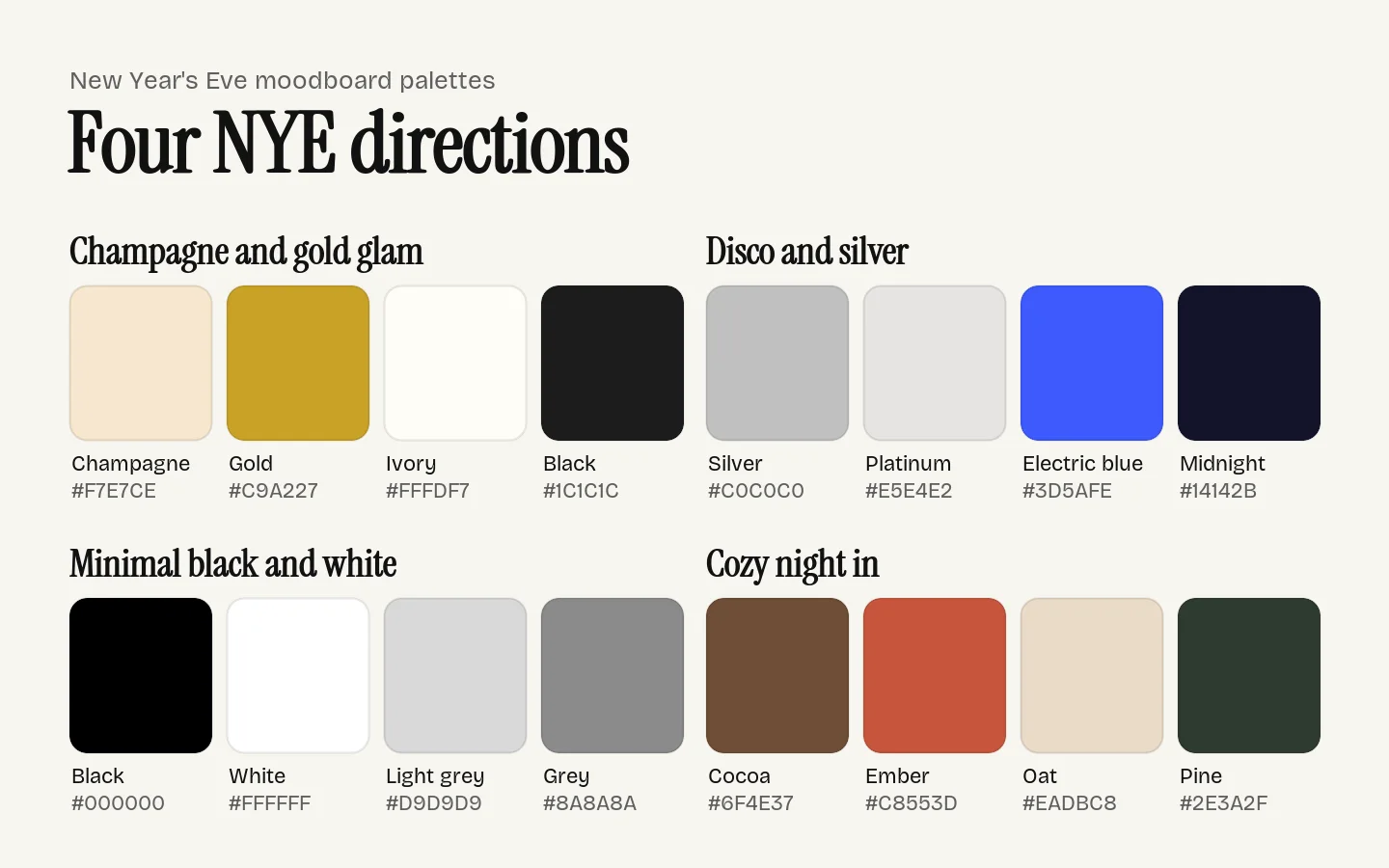
Download the NYE board the same way as the vision board below, and print it at 9 pins per page for a contact sheet to take shopping or hand to the host.
2027 vision board ideas: six themes
In January 2026, Pinterest told The Independent that searches for "vision board ideas" were up 385% on 2024, and searches for "rebranding yourself" were up 240%.
Pinterest's weekly trend notes from 19 December 2025 showed which goals people were saving for: "new year's resolutions" up 4x, "gym vision board" up 2x, "debt free" up 180%, "travel inspiration" up 175% among Gen Z, and "organization aesthetic" up 105%. Its January 2026 trend report added "career motivation" and "travel bucket list". Those are last season's numbers. The six themes below follow them.
One rule for all six: save pictures of the routine, not only the result. A finished kitchen tells you where you are going. A Tuesday morning meal prep tells you how. The Independent's piece makes the same point, that the dull, regular work belongs on the board too.
1. Career and creative goals
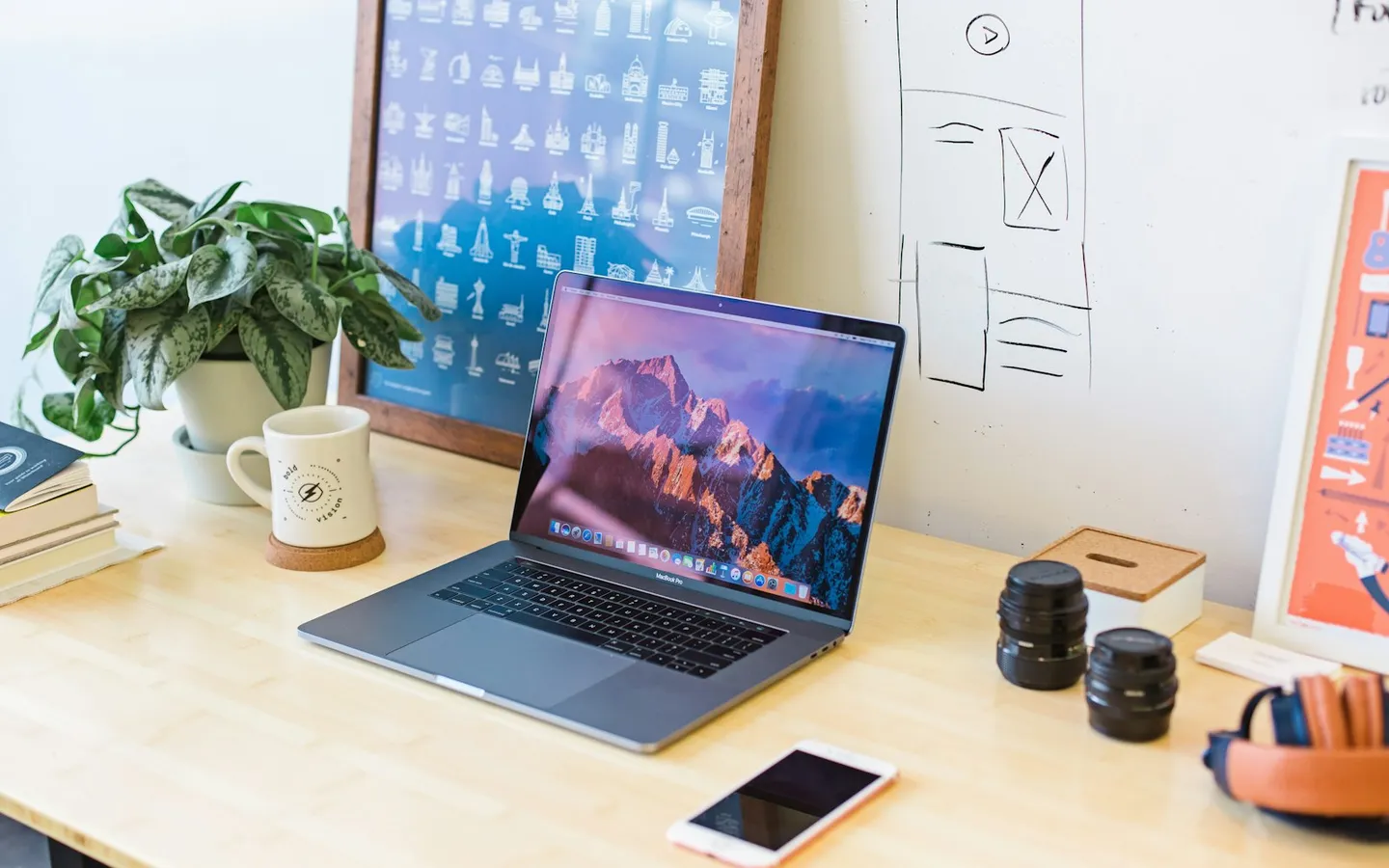
"Career motivation" was on Pinterest's January list. Make it concrete.
- The desk or studio you want to work in
- A project you want to finish, shown as the finished thing
- Work by people whose careers you admire
- A medium, tool or typeface you want to learn
- The city or event where you want to show your work
2. Travel bucket list
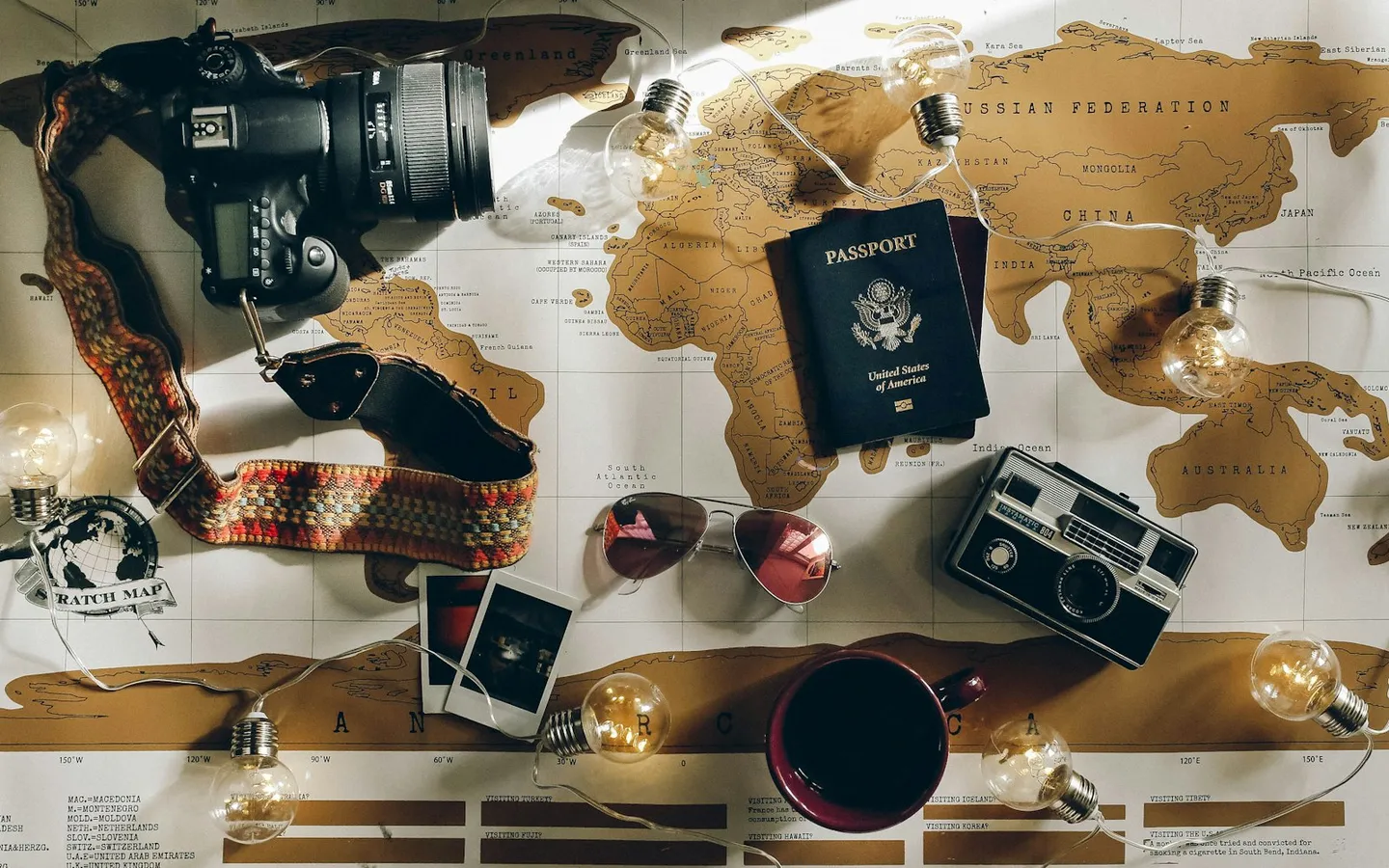
Photo: Charlotte Noelle on Unsplash
"Travel inspiration" and "travel bucket list" both showed up last season. Be specific: a place, not "the beach".
- The exact place, in the season you would go
- The room you would stay in
- The food you want to eat there
- The route: the train, the road, the ferry
- A packed bag for that trip
3. Health and gym
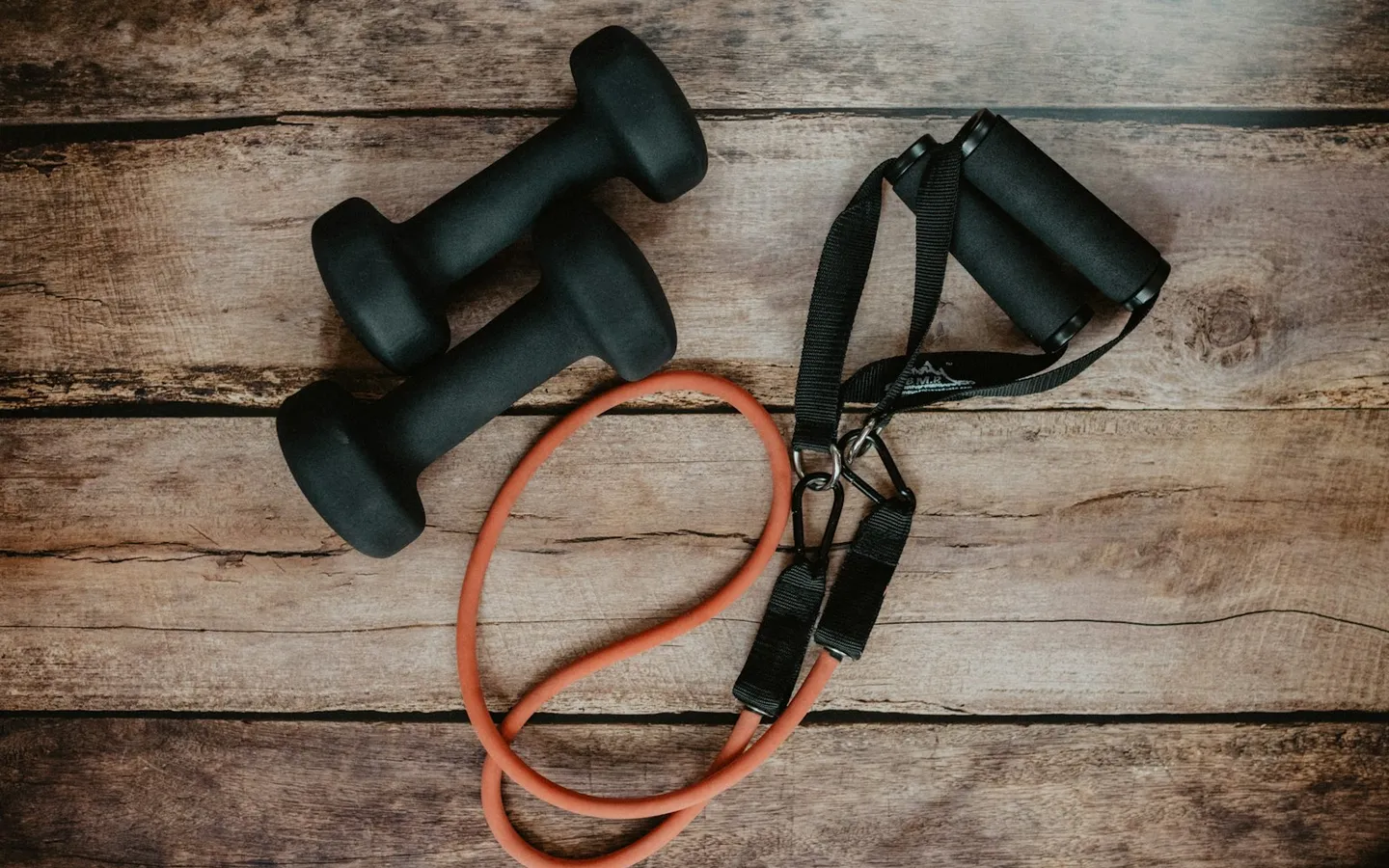
Photo: Kelly Sikkema on Unsplash
"Gym vision board" doubled. Pick images of the habit rather than of someone else's body.
- The gym bag by the door
- A running route or the class you want to join
- Meal prep in containers
- A sleep setup: dark room, book, no phone
- The kit you will actually wear
4. Home and organization
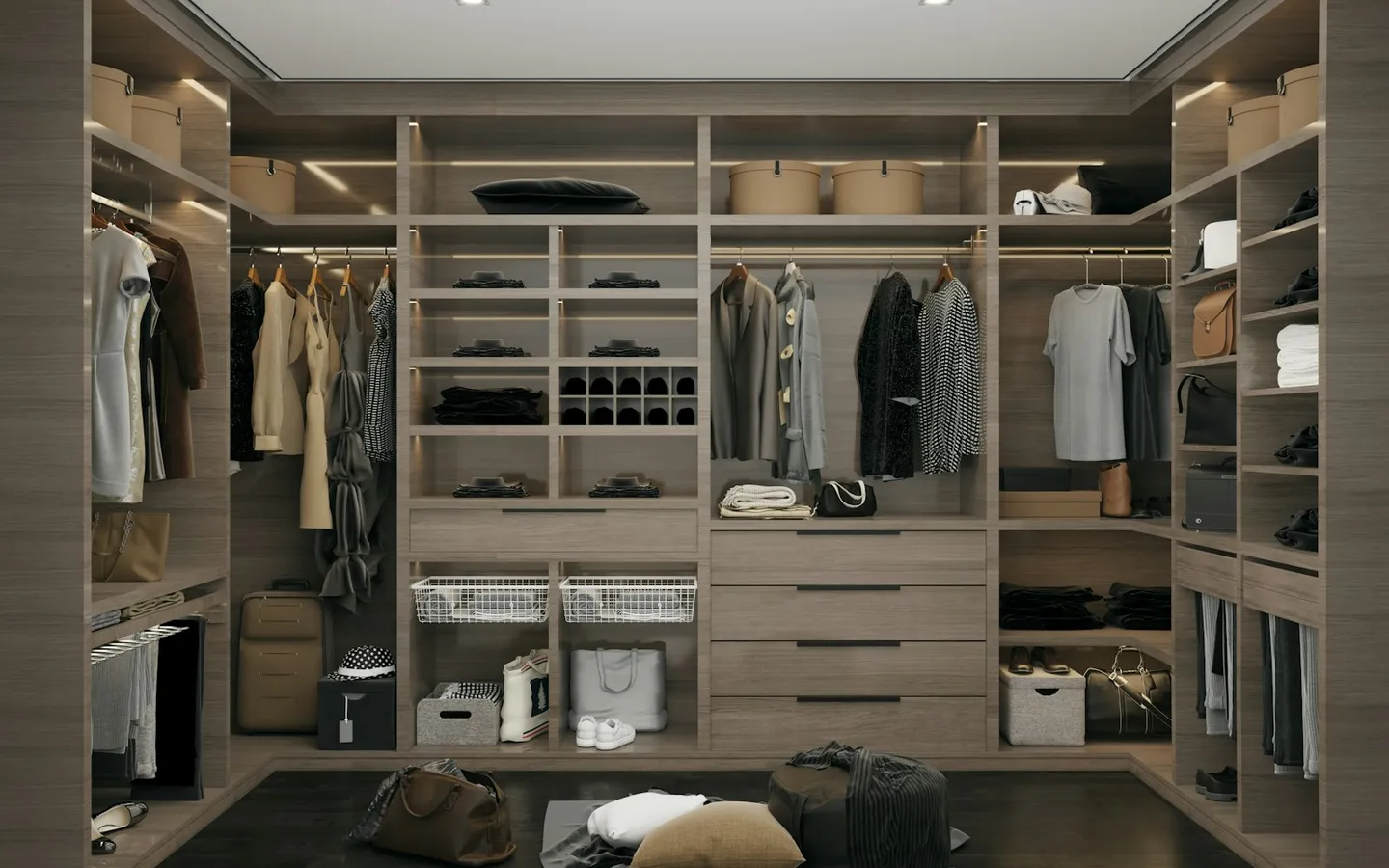
Photo: Ali Moradi on Unsplash
"Organization aesthetic" was up 105%, and "wardrobe and fridge organization" was on the January list. Go one room at a time.
- A wardrobe sorted by colour
- A labelled fridge or pantry
- The storage you would buy
- Before-and-after photos of rooms like yours
- A clear desk at the end of the day
5. A "rebrand yourself" refresh
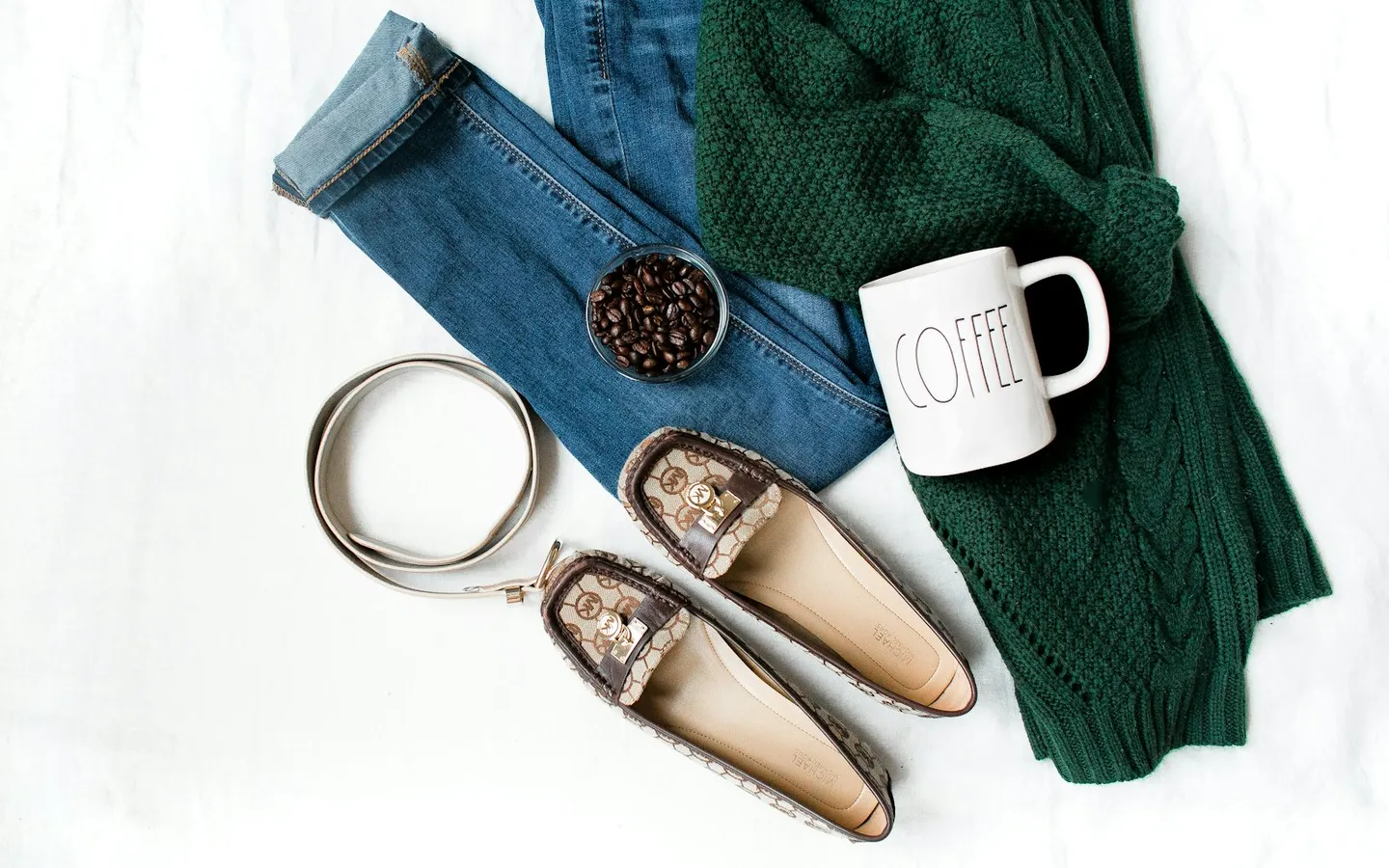
Photo: Heather Ford on Unsplash
The rebrand trend is real, and The Independent was not a fan. Its piece argues that it can tip into throwing out everything you own. A board is a cheaper place to try a new look than a shopping cart.
- A wardrobe palette of a few colours
- A haircut or a pair of glasses
- A signature colour or object
- A refreshed workspace
- For creatives: a new logo, typeface and site for yourself
6. Money and debt-free
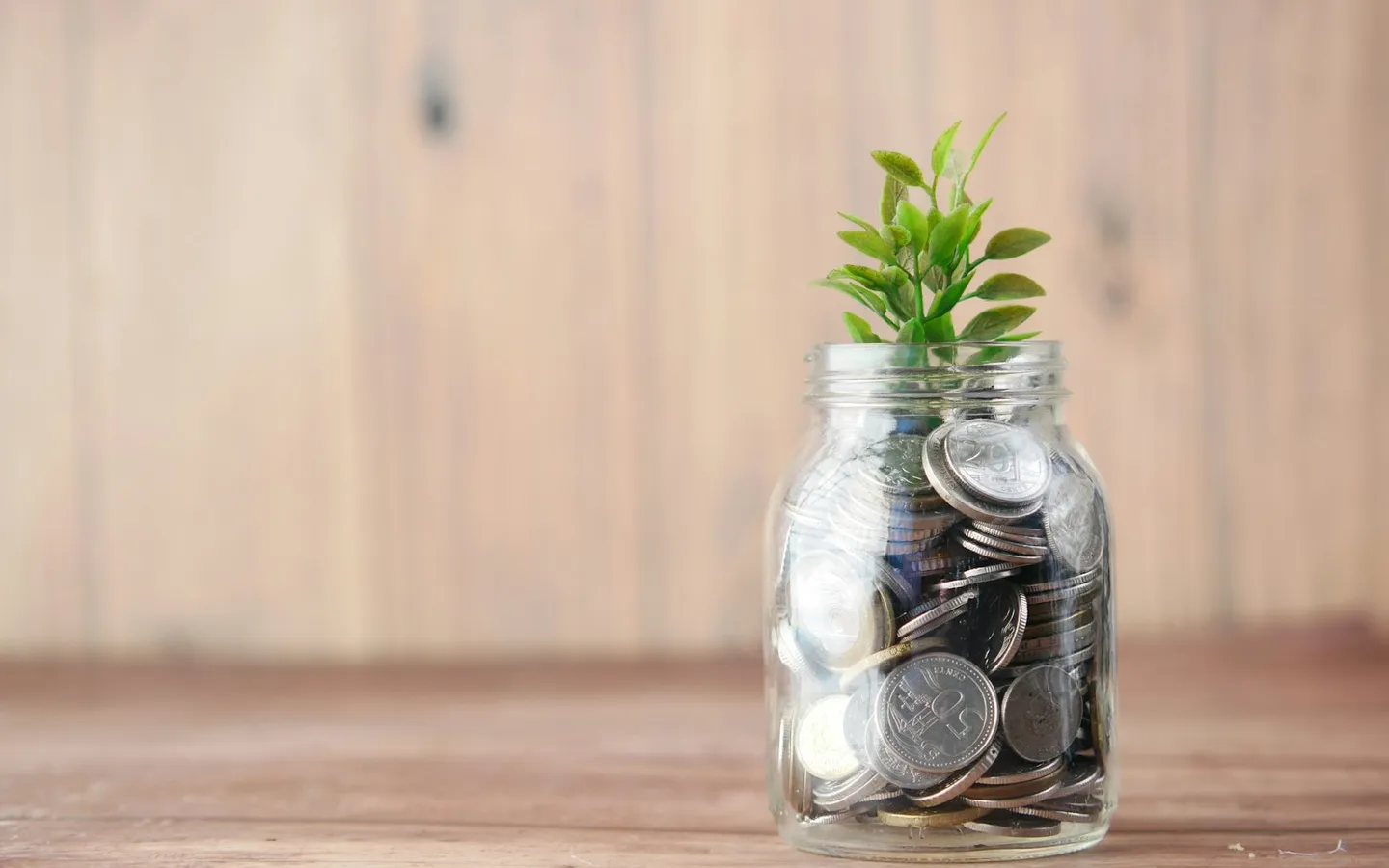
Photo: Towfiqu barbhuiya on Unsplash
"Debt free" was up 180%. Keep this board private if you like. Unpinned downloads private boards too.
- What being debt-free makes possible: the quiet weekend, the trip
- A simple savings tracker you would print
- The thing you are saving for
- A paid-off statement
- A plain, tidy budget sheet
Build your vision board from Pinterest with Unpinned
One board per goal
Make one board per goal, or one board with one section per goal. Separate boards are easier to share, like the travel board with a partner, and easier to keep private, like the money board. Unpinned downloads several boards at the same time, so you do not have to wait for one goal to finish before starting the next. Sections become folders in the ZIP and their own pages in the PDF, so either way the goals stay apart.
Download the full board
- Open the board on Pinterest in Chrome, Firefox or Edge, on desktop.
- Click Unpinned in the bottom-right corner of the page.
- Keep
.zipand click Download.
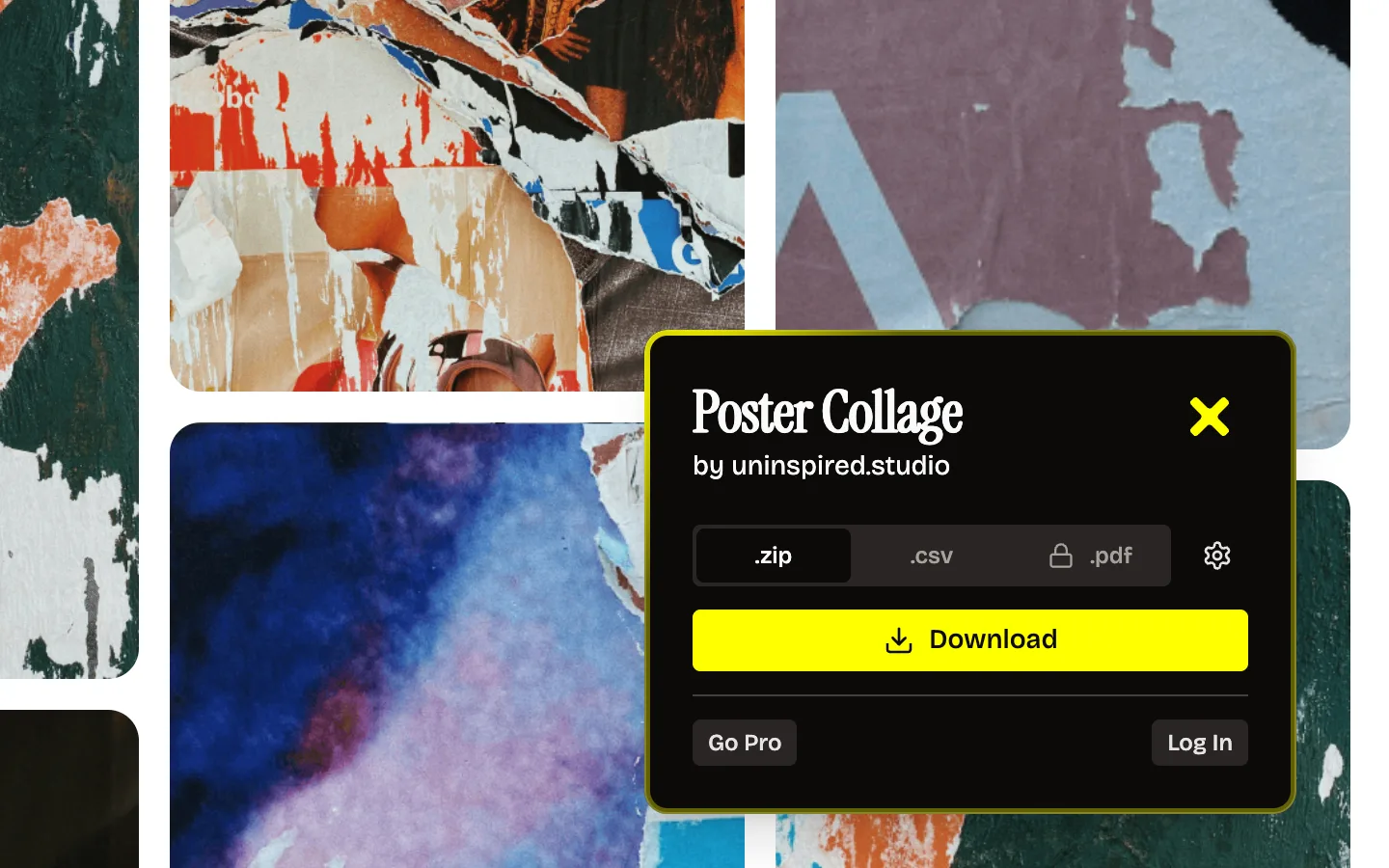
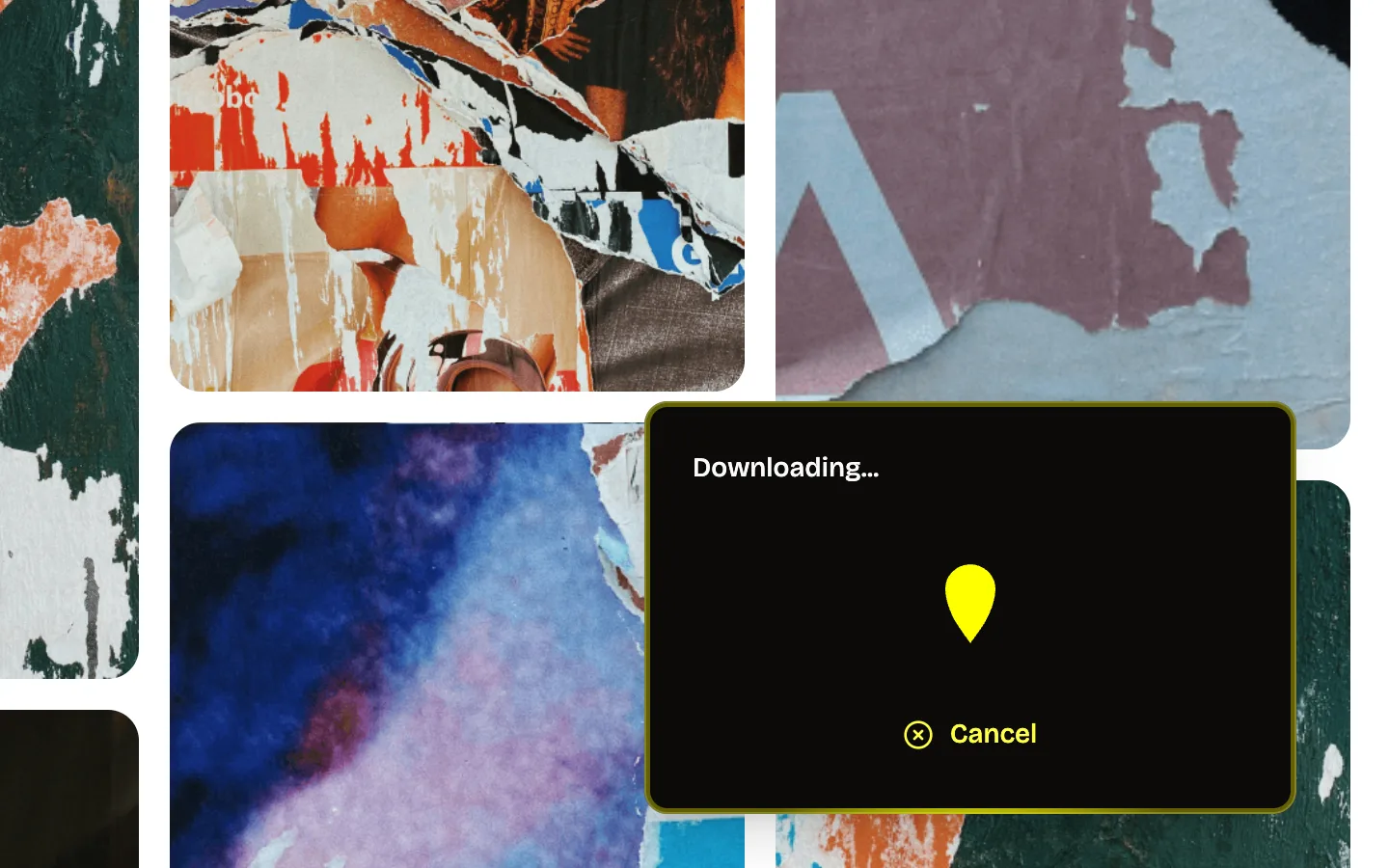
Everything comes down at full size, images and videos, in one ZIP named after the board. Private boards work as long as they open in your logged-in Pinterest session. Paste-a-link sites cannot reach those; how Unpinned compares explains why.
Free covers 50 pins a day. Pro lifts the cap and adds PDF export, and the Pinterest board downloader page lists what is in it. To start, get Unpinned: a free account is all it takes, and onboarding installs the extension.
Use it as a wallpaper
The files in the ZIP are full size, so a single pin can go straight onto your desktop or phone. For a collage, lay a few images out in Figma or Canva at your screen's size and export it. You see the board every time you unlock the screen, which is most of the point of a vision board.
Print it as a PDF
Switch the format to .pdf, pick A4 or Letter, and choose 1, 2, 4, 6 or 9 pins per page. Each section starts on its own pages with its name at the top, so a board with one section per goal prints as one goal per page. PDF export needs Pro.
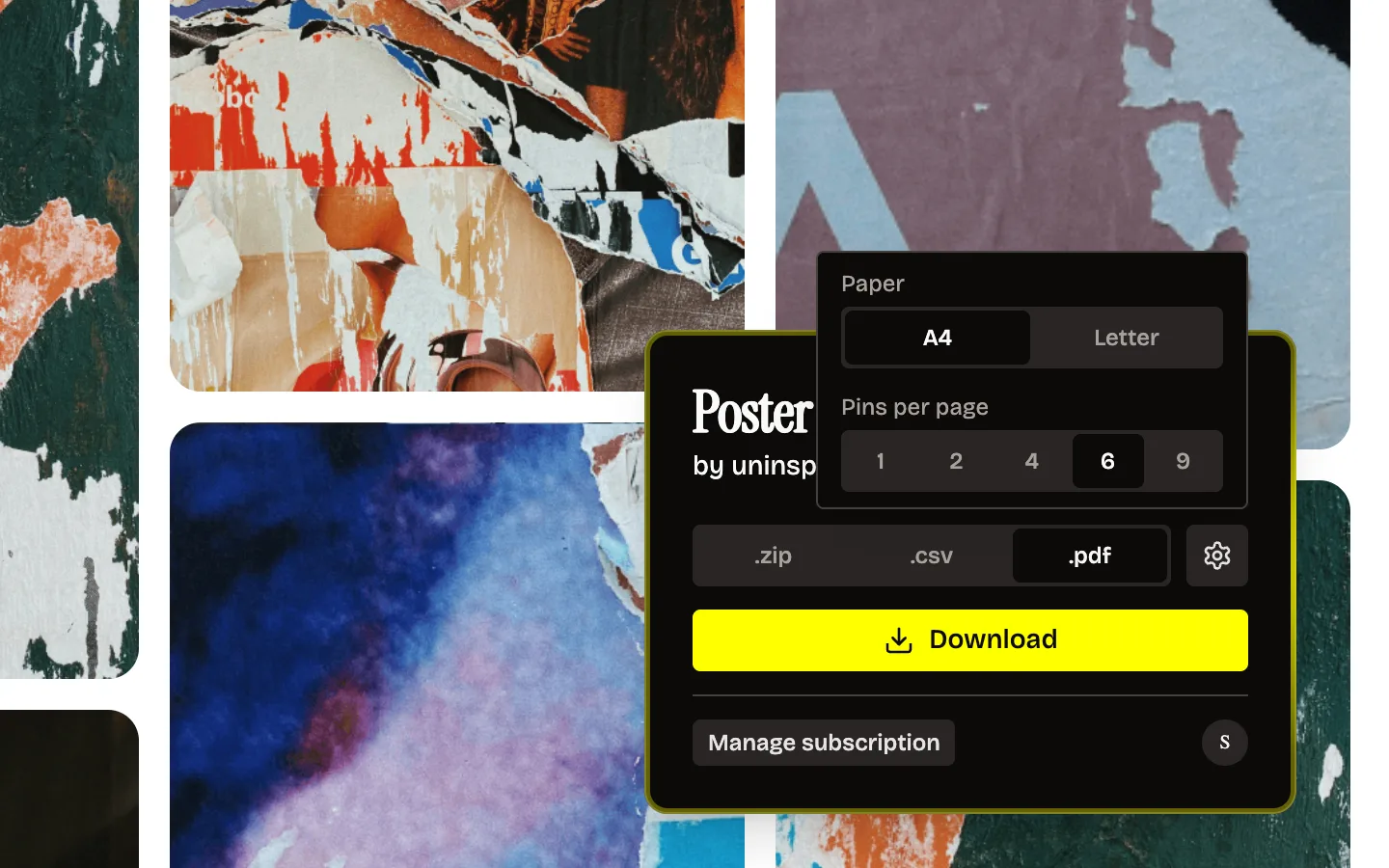
On the free plan you can make the PDF from the ZIP on your computer. Pinterest board to PDF has both routes.
Arrange it in Figma or Canva
Unzip, then drag one section folder at a time onto a Figma canvas, or upload it to Canva. Add a line of text per goal and the board becomes a page you can come back to in June. Pinterest board to Figma or Canva has the steps.
For creatives: turn the board into a 2027 brief
For designers, illustrators and studios, the career board can do more than motivate. It can be the brief for the year.
Split it into sections: work you want to make more of, clients and places you want to work with, mediums and tools to learn, palette and type. Then write a short paragraph under each section in Figma. That page is a creative brief with yourself as the client. We use the same split for client projects, a tone board and an ingredients board, described in our moodboard workflow.
For portfolio direction, collect references for the projects you want to be hired for, not the ones you have already done. Next December, put the board next to what you actually made that year. The gap is next year's board. If the refresh includes your own studio identity, turning Pinterest boards into a branding system is the framework we use.
FAQ
Should my vision board be digital or physical?
Either. A digital board can be your wallpaper, so you see it every day. A printed one can go on a wall where you work. With the ZIP and the PDF you can have both from the same Pinterest board.
How many images should a vision board have?
Enough to show each goal clearly, and no more. If two pins say the same thing, keep one. The free plan covers 50 pins a day, so a board of 50 pins or fewer downloads in one go.
When should I start my 2027 vision board?
Before New Year's Eve, so it is ready on the first of January. Start collecting in December, or now, and curate between Christmas and New Year.
Why not just keep it on Pinterest?
Pinterest is good for collecting. You cannot crop, arrange or print a board there as a layout, and you cannot open it offline. The Pinterest board downloader puts the files on your computer.
Can I build a Christmas moodboard the same way?
Yes. Our Christmas moodboard ideas post has six directions with palettes and the same three steps.